What BananaSplit does
Scan any photo with numbers, add guests before they download the app, split by shares, send payment reminders, share expenses as images, and keep up from iOS widgets.
and much more...

Home
Your dashboard overview
- Quick actions
- Overview of hottest groups and friends
Groups
- Show groups with latest interactions
Friends
- Show friends with latest interactions
Groups
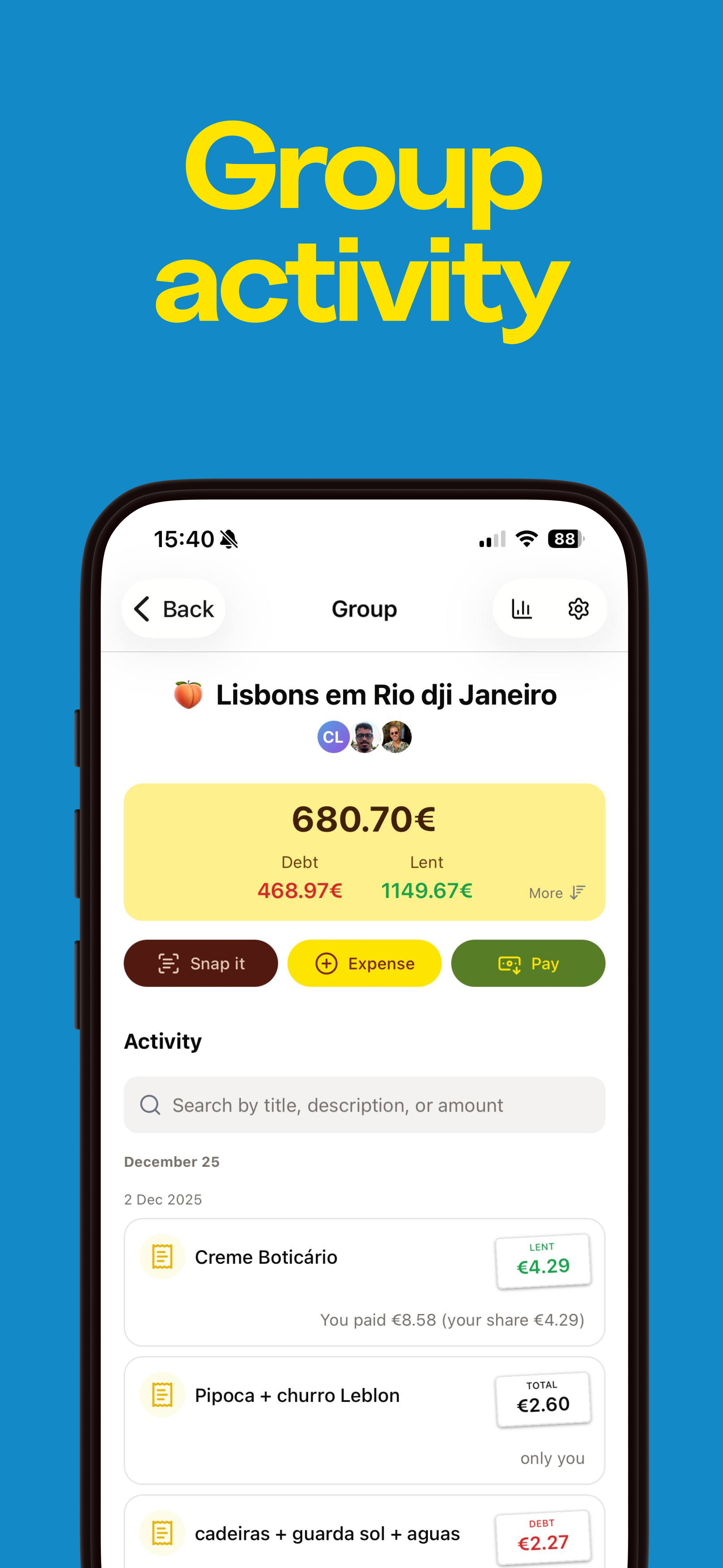
Manage shared expenses with groups
- Create and manage groups
- Invite members with a group link
- Guest users — split before everyone has an account
- Smart settlements and debt optimization
- Real-time balances and metrics
- Detailed balances (full who-owes-whom)
- Share balances as text for WhatsApp or Telegram
- Activity filters, sorting and logs
- Import your data from Splitwise
Group management
- Create groups
- Edit group details
- Set group currency
Members
- Share a group invite link
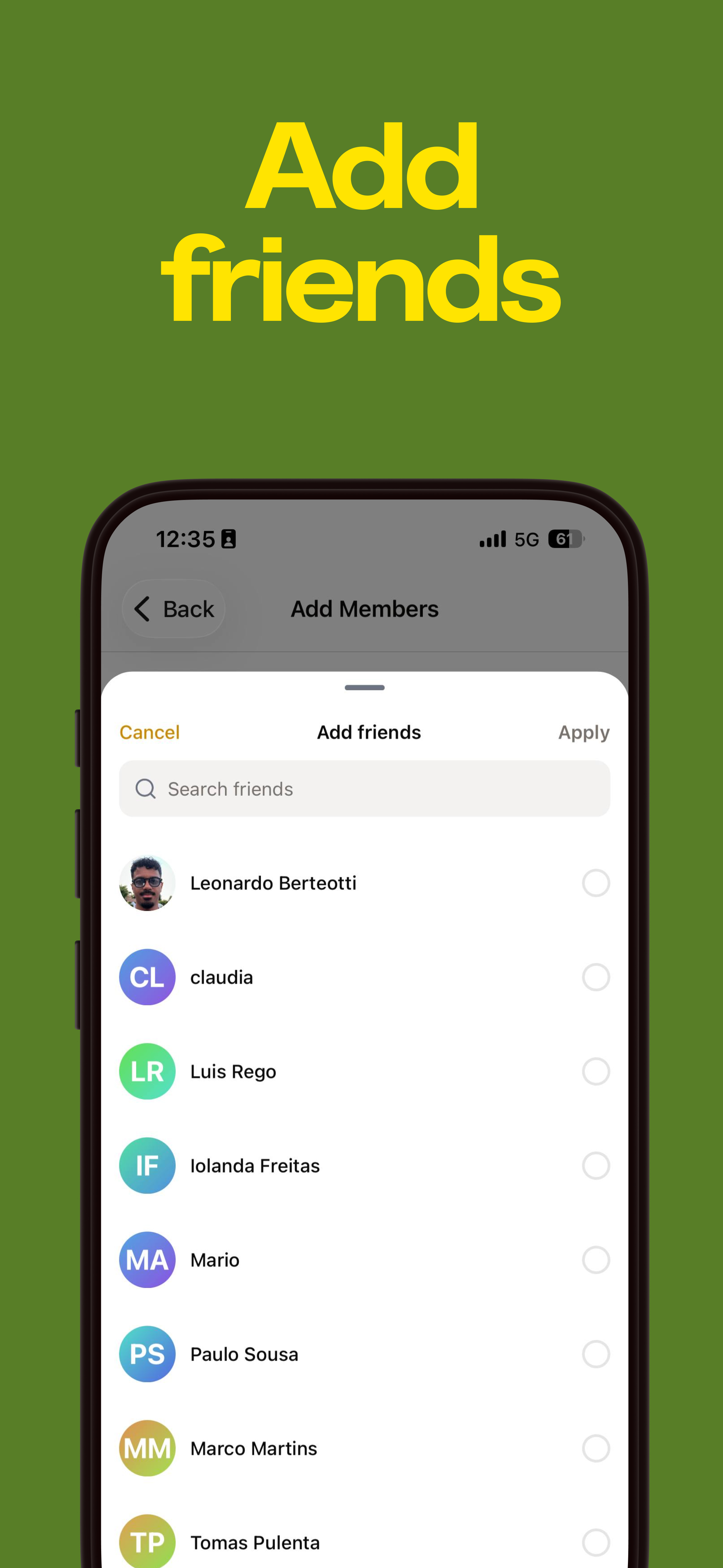
- Add and remove members
- Promote to admin
Guest users
- Add anyone as a guest — no email or download needed
- Include guests in groups, expenses, payments, and balances
- Hand over the full history when they join
- Merge a guest into an existing BananaSplit account
Balances
- View member balances
- Detailed who-owes-whom breakdown — every member to every other
- Copy balances as text for WhatsApp, Telegram, or any group chat
- Settle debts individually
- Show or hide settled expenses
Transparency
- Detailed per-member balances (full who-owes-whom view)
- Activity logs with clear diffs for every single change
Smart settlements
- Reduce number of payments
- Search and filter groups
- Bulk operations
Personalization
- Custom emoji and colors
- Group descriptions
- Group settings
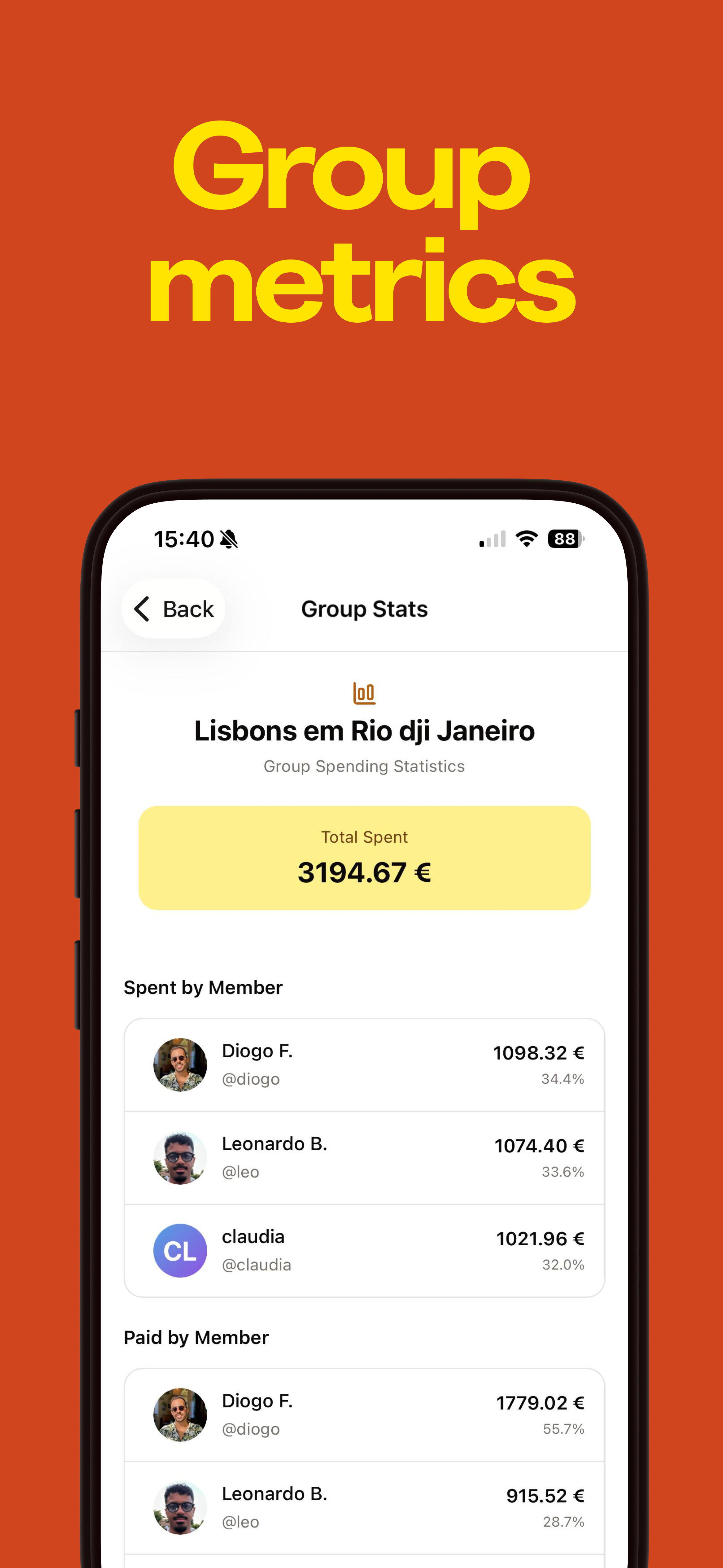
Metrics
- Total spent
- Spending by category
- Spent by member
- Paid by member
- Average paid
- Spending over time with date-range filters
- Member metrics for expenses, paid, and spent totals
- Charts for spend trends
- Doughnut charts by category
Activity & filters
- Advanced filters inside every group: type, participants, paid by, category
- Sort by newest, oldest, highest or lowest amount
- Full activity logs with exact before/after diffs
Import
- Bring your groups and expenses over from Splitwise
Snap It
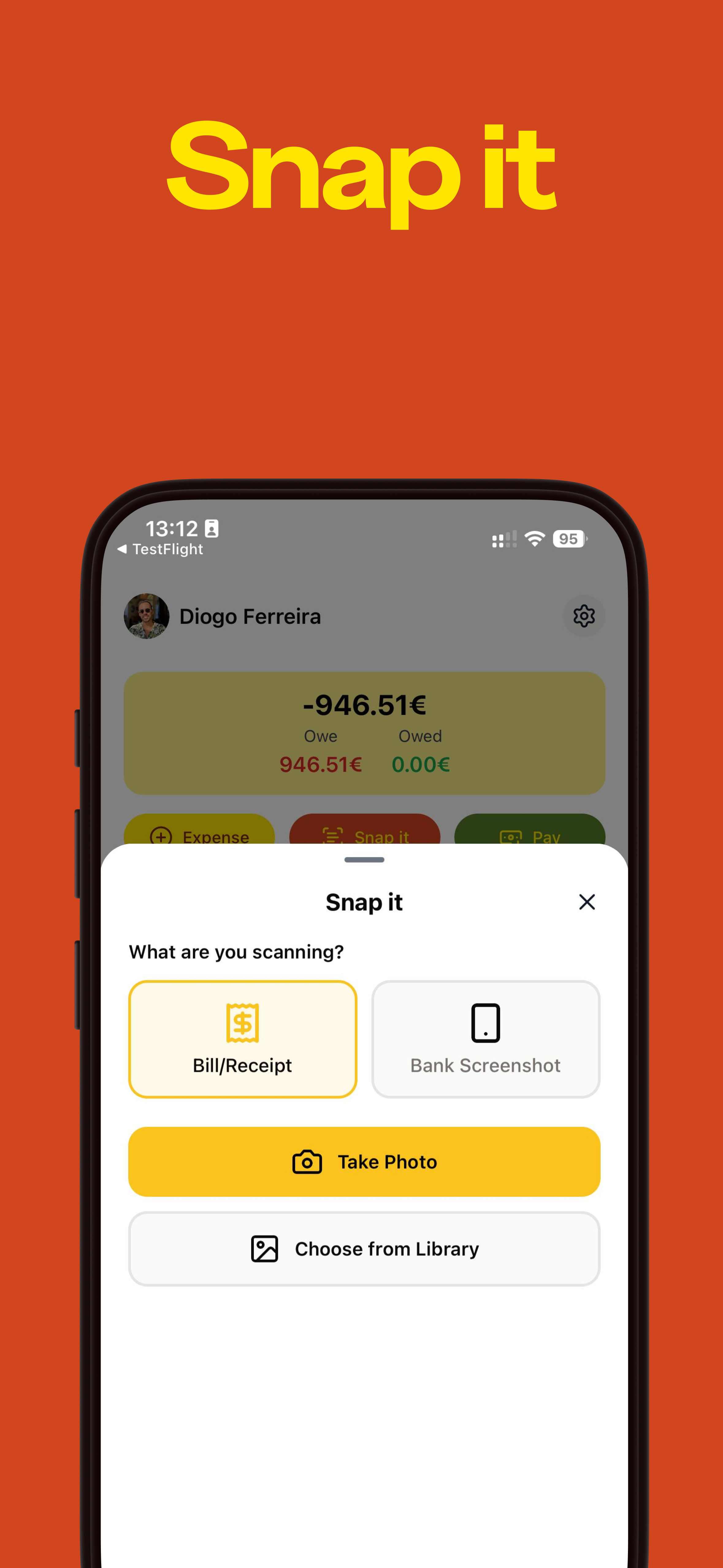
Scan any photo with numbers
- Scan any photo with numbers
- Bank screenshots, receipts, menus, and notes
- Any-image scanning with extra context
- Bulk expense creation
Smart scanning
- Any image with a value
- Context labels like hotel, ticket, statement, or delivery order
- Receipt photo scanning
- Menu and note scanning
- Bank screenshot scanning
- Auto-fill items
Review and edit
- Manual corrections
- Expense preview
- Add people per item
- Add more expenses
Expenses
Track and split expenses
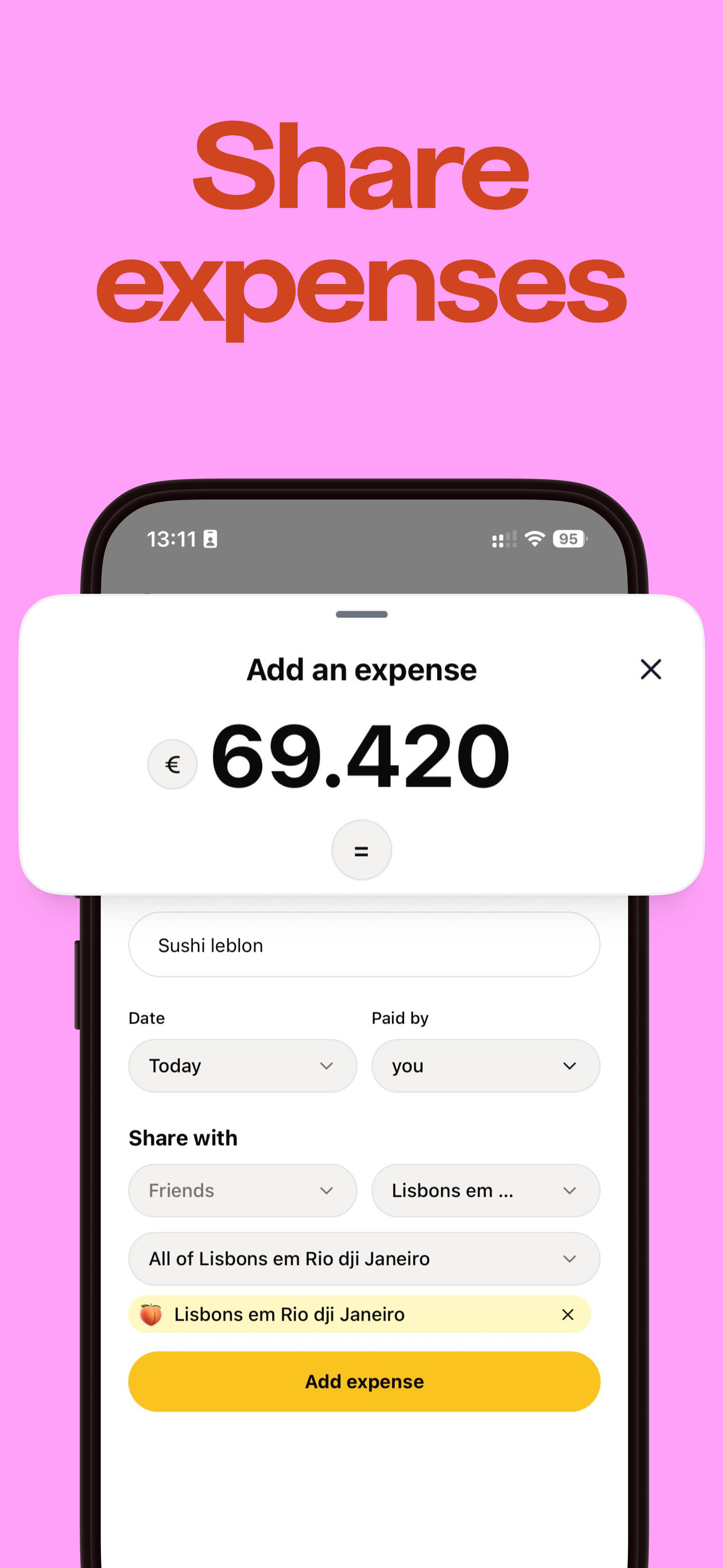
- Flexible expense sharing
- Share expenses as images
- Split by shares
- Default split rules
- Auto-categorization
Sharing options
- Share with friends
- Share with groups
- Share expenses as images for stories and chats
- Public visibility
Share as an image
- Turn an expense into a story-style image
- Amount and who paid already laid out
- Add a photo or video, stickers, and your own layout
- Save it, send it, or post it as a story
Split methods
- Equal split
- Split by shares — two shares when someone covers a plus-one
- Percentage split
- Exact amount split
- Custom default percentages like 60/20/20
- Auto-adjust other shares when you edit a percentage
Smart features
- Auto category detection
- Custom categories
- Copy expense
- Calendar date and time selector
- Default splits per group (set once, used every time)
- Auto-adjust percentages on edits
Recurring expenses
- Weekly recurring expenses
- Monthly recurring expenses
- Yearly recurring expenses
- Check all related recurring expenses
Payments
Record and track payments
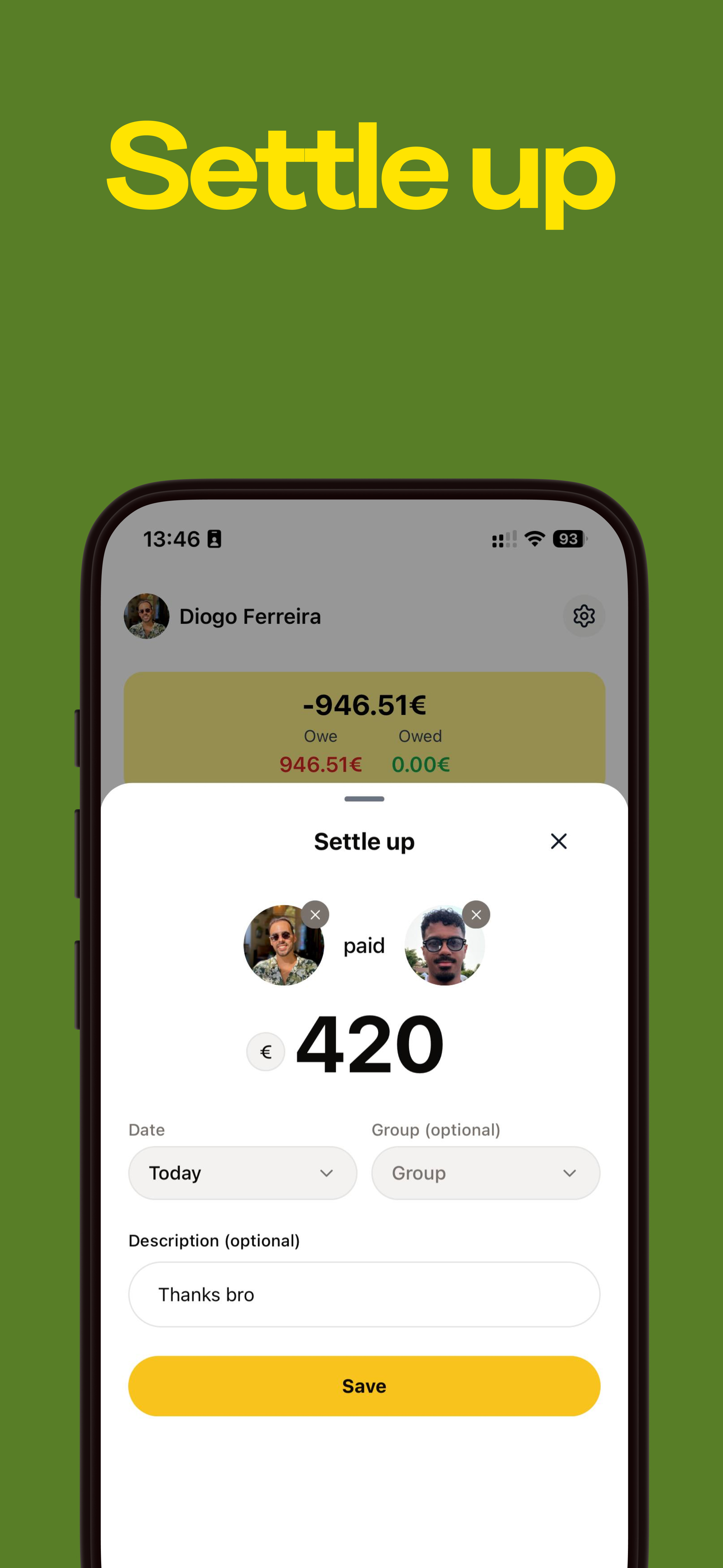
- Payment recording
- Automatic debt settlement
- Payment reminders
Payment types
- Group payments
- Friend-to-friend payments
Reminders
- Send a reminder when it is time to settle up
Automation (soon)
- Auto-settle triggers
Friends
Manage your social connections
- Easy expense sharing
Expense sharing
- Add expenses
- Settle debts
Friends management
- Search
- Add friends
- Easy invite link
Activity
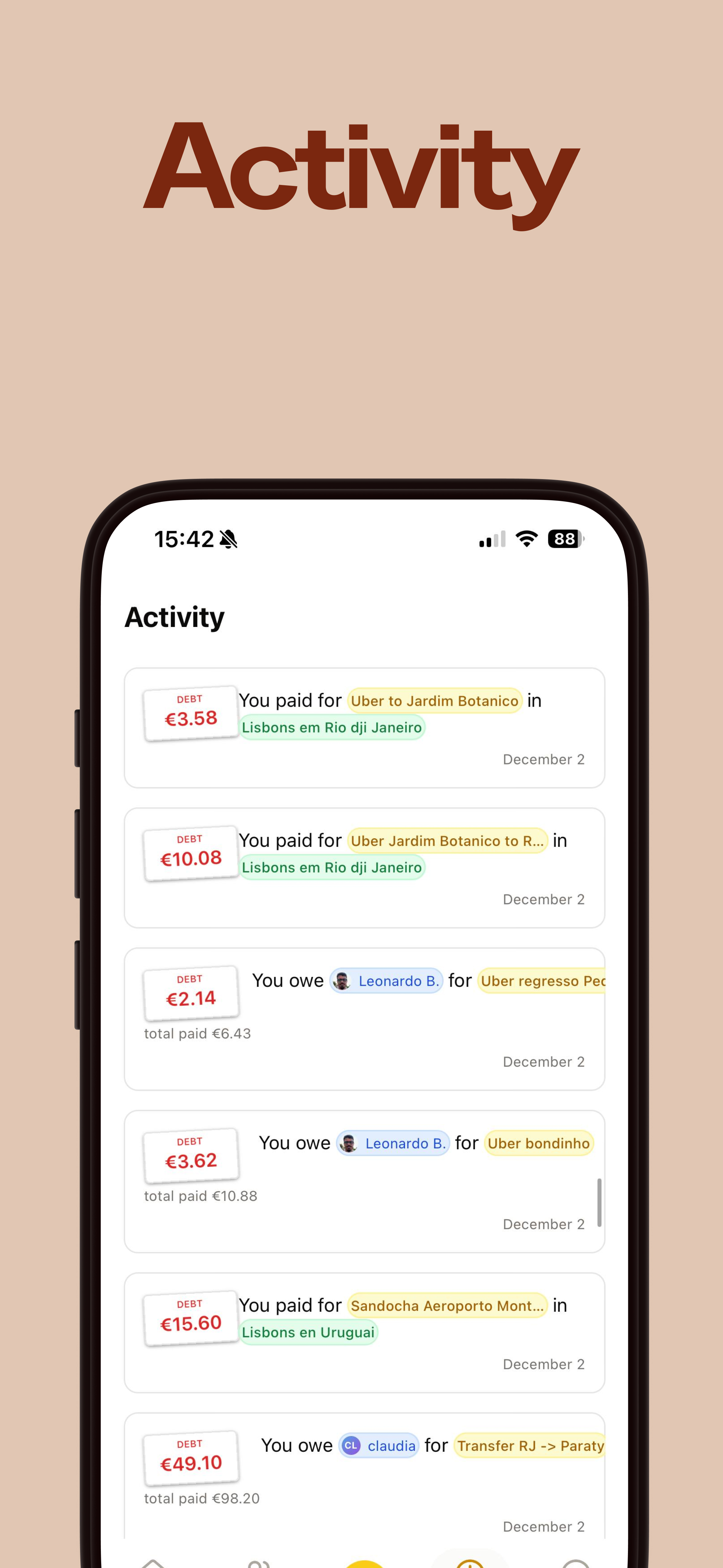
- See friends activity across groups and direct expenses
Settle up
- Settle debts across all shared groups
Activity
Stay updated with all activity across your groups and friends
- Unified activity feed
- Quick tabs for instant filtering
Quick tabs
- All • Expenses • Payments • Groups • Friends • Recurring
Powerful group filters
- Filter by type (Expenses, Payments, Recurring)
- Filter by participants, who paid, or category
- Sort by date or amount (highest/lowest €)
Transparency & logs
- Detailed change history for every expense and payment
- Exact diffs: see before/after, who changed it, and when
Activity types
- New friendships
- Expense updates
- Group changes
- Payment activity
Profile
Personalize your experience
- Profile customization
- Personal expense tracking
Personalization
- Username
- Bio and avatar
- Privacy settings
Interface
Customize your app experience
- iOS Home Screen widgets
- Theme customization
- Currency selection
iOS widgets
- Recent activity at a glance
- Total balance, recent activity, and a quick add button
Desktop
- Keyboard shortcuts
Currency settings
- Default currency
- Auto-conversion
- Multi-currency support
Display options
- Light mode
- Dark mode
- System preference